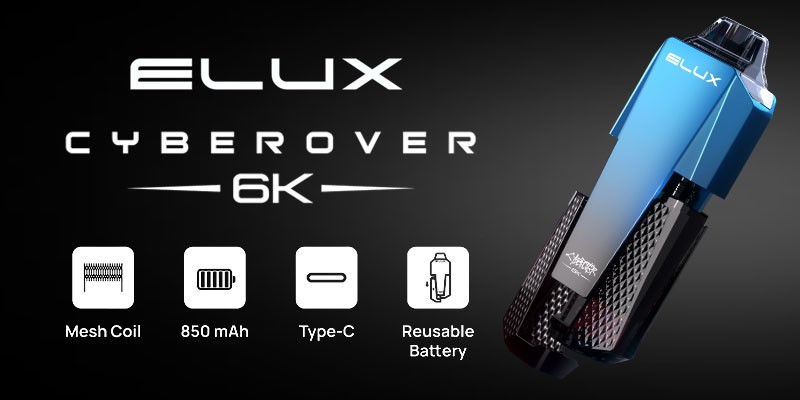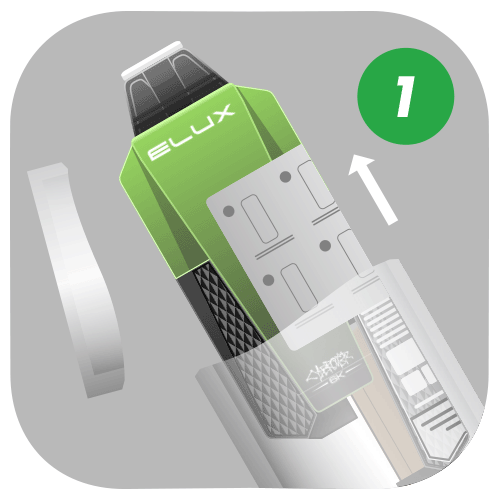
Unbox Your Elux Cyberover 6K Kit
Remove the Cyberover 6K from the box and unwrap the packaging.
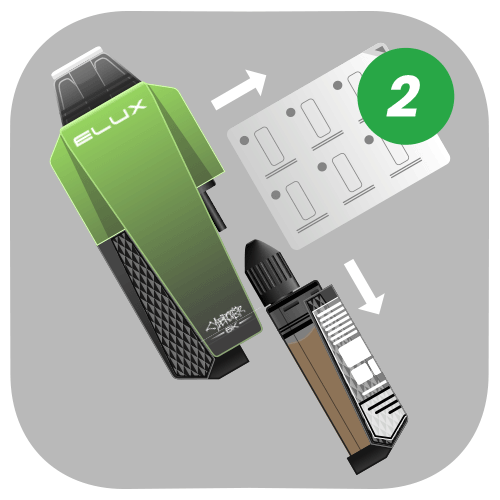
Remove The Refill Container
Take out the refill container and remove any of the sticky labels.
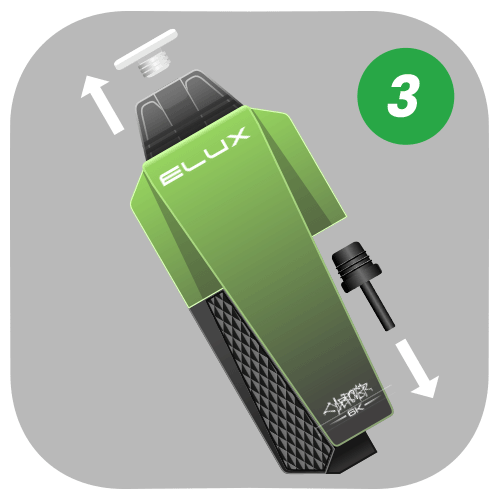
Unplug The Rubber Bungs
Remove the two rubber bungs from your Cyberover 6K device.
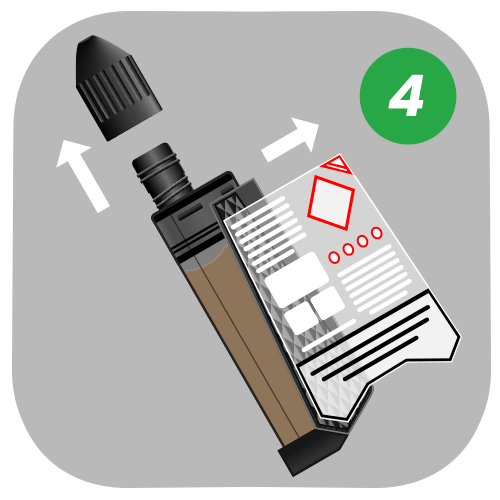
Prepare The Refill Container
Unscrew the plastic cap and remove the sticky label from the refill container.
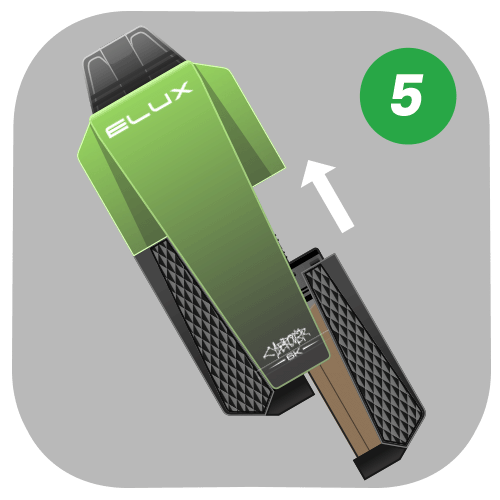
Attach The Refill Container
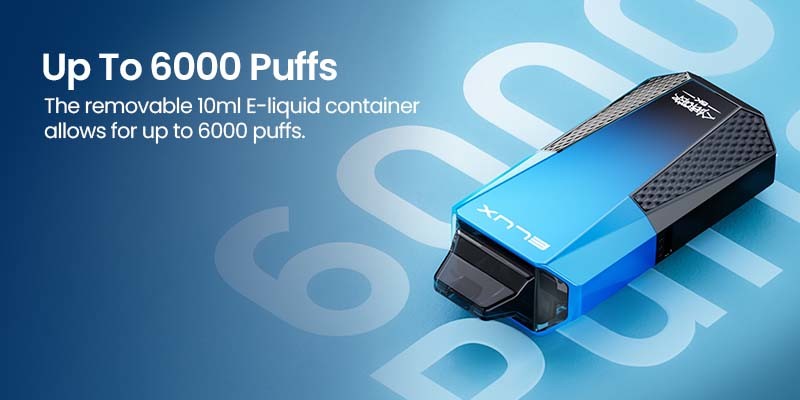
Insert the refill container into the device, ensuring it clicks into place.
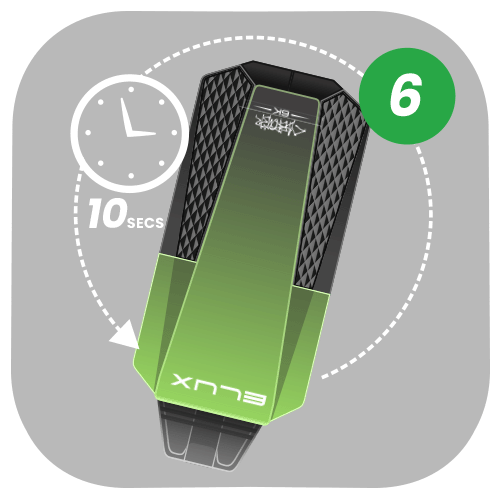
Refill Your Cyberover 6K Device
Turn the Cyberover 6K device upside down for 10 seconds to fill the built-in pod.
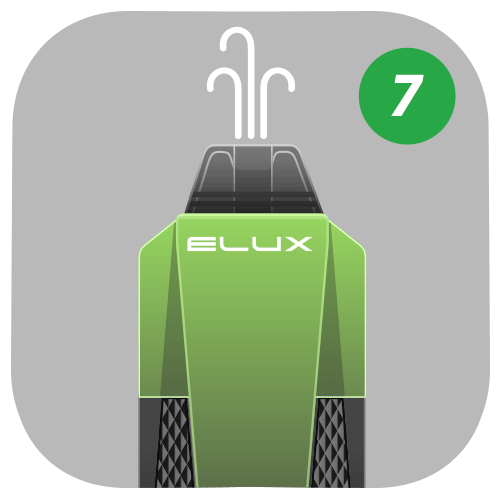
Vape Your Cyberover 6K
Inhale on the mouthpiece to vape the Elux Cyberover 6K. You'll exerience a discreet amount of vapour for a classic MTL vape.
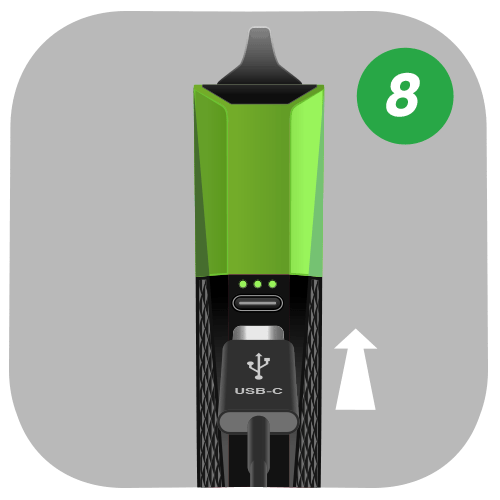
Recharge Your Cyberover 6K Device
Recharge your device using a USB-C charging cable. The charging port is located on the side of the device.


Order Before 4pm = Same Day Dispatch